Step 1: Productivity Tip
Topic · 1 minute
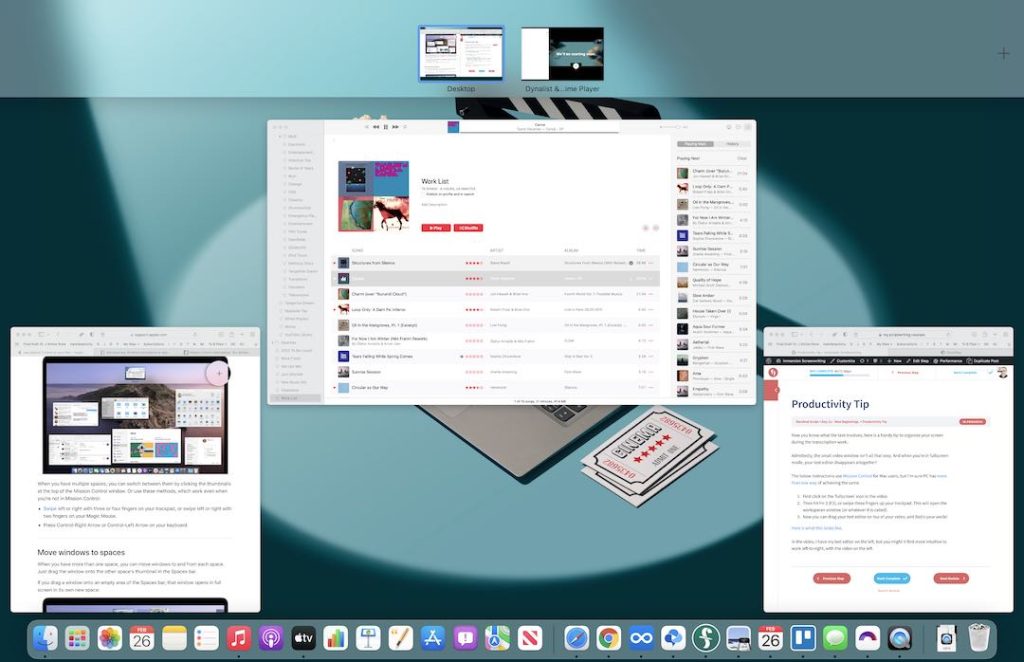
To facilitate the new daily tasks that start tomorrow, here is a handy tip to organise your screen during the transcription work.
Admittedly, the small video window isn’t all that sexy. And when you’re in fullscreen mode, your text editor disappears altogether!
WINDOWS
- In an active window, press and hold the Windows key
- Press either the Left or Right arrow key. (This should automatically snap the active window to the left or right.)
- Select another window to fill the second empty space.
MAC
- Click on the ‘fullscreen’ icon in the video.
- Hit F3, or swipe three fingers up the trackpad to open Mission Control.
- Drag your text editor on top of your video thumb, to its right or left.
You can immediately try this setup in today’s only task, in the next step.